An iPhonefor kids

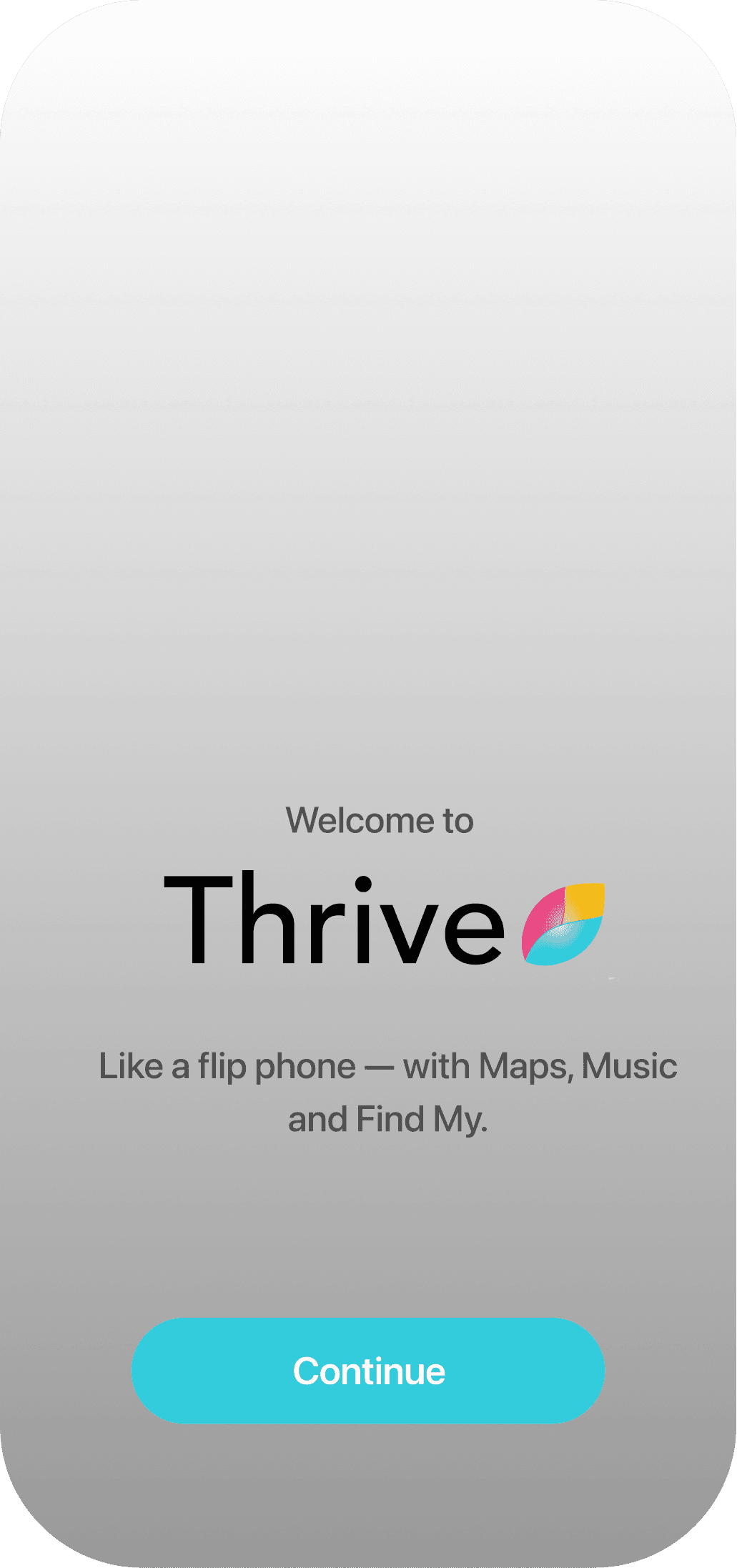
Just a Phone landing screen on iPhone

How it works.

Install Thrive

Turn on Apple’s parental controls.
Just a Phone setup illustration showing Thrive being installed on a child's iPhone

Choose what they can use

Pick the apps and websites they’re allowed.
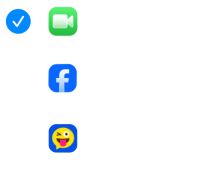
Just a Phone app selection screen with allowed essentials like Phone and FaceTime

Set a parental pin

Only you can make changes.

Just a Phone parent PIN key icon

*To use Thrive, your child needs to be part of your Apple Family Sharing group. Learn how to add them.

“I was searching for the perfect phone for my kid — turns out it was in my junk drawer all along.”

-jez@bel
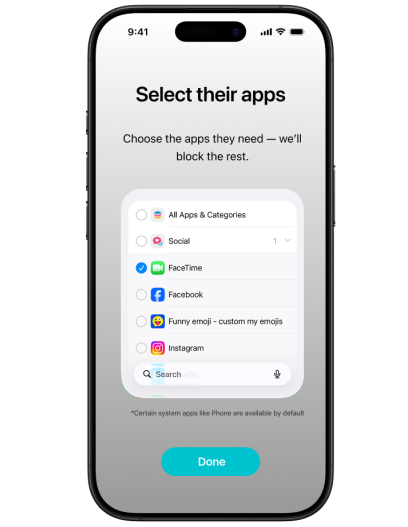
Just a Phone app selection screen

Keep the good stuff.

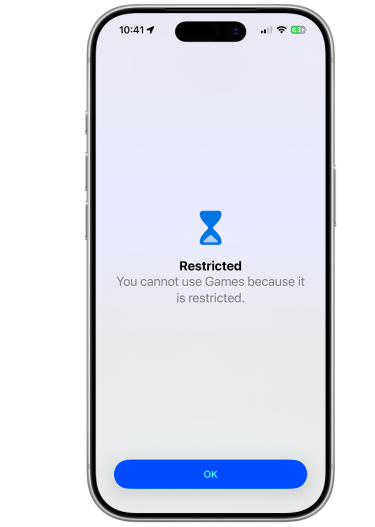
Just a Phone restrictions screen showing blocked apps and websites

Block the rest.

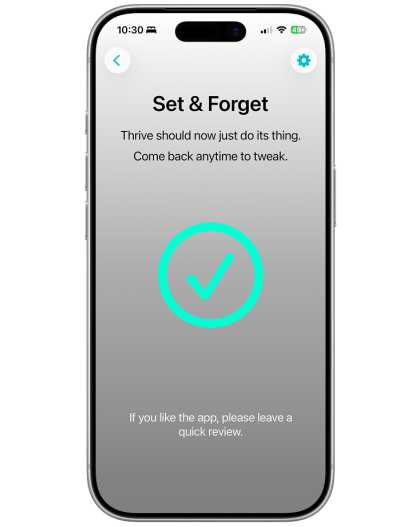
Just a Phone set and forget screen

Set & Forget

Blocks new app installs

Kids can’t download new apps.

Block new app installs icon

Only you can make changes

Protected with your parent PIN.

Only parents can make changes icon

Hard to bypass

Built using Apple’s parental controls.

Hard to bypass icon

Simple pricing. Same features on every plan.

Monthly

Flexible

$5.99/ month
  • Block social media & games
  • Choose the apps they can use
  • Parent-protected settings

Lifetime

Set it and forget it

$49.99for ever
  • Block social media & games
  • Choose the apps they can use
  • Parent-protected settings

Yearly

Most popular

$29.99/ year
  • Block social media & games
  • Choose the apps they can use
  • Parent-protected settings

Distractions blocked. Life unlocked.